

 Facebook
 Twitter
 LinkedIn

Problem: Emails are hard to archive and share
Important emails in Outlook often need to be saved, shared, or archived outside your inbox. Copying and pasting loses formatting. Screenshots miss content. Forwarding creates extra clutter. When you need a clean, permanent record of an email for compliance, legal, or reference purposes, there is no simple built-in way to do it well.
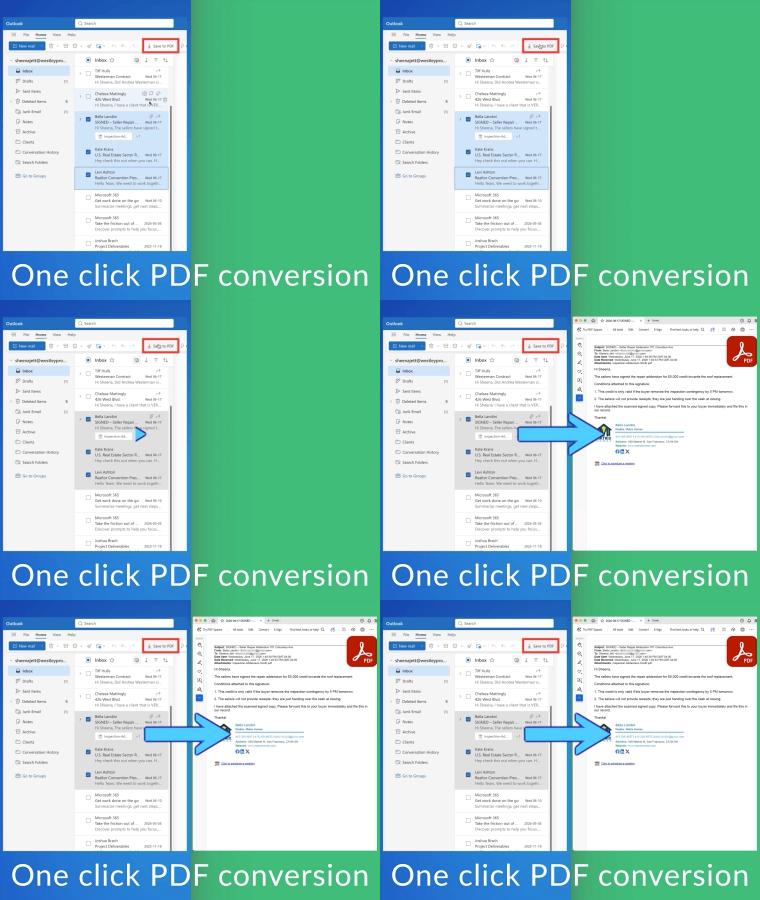
Solution: One click PDF conversion
Save Outlook Emails as PDF lets you convert any email into a professional PDF document with a single click. Headers, formatting, images, and attachments are all preserved. You get a clean, shareable file that looks exactly like the original email. It is the fastest way to create permanent records of your Outlook correspondence. GIF
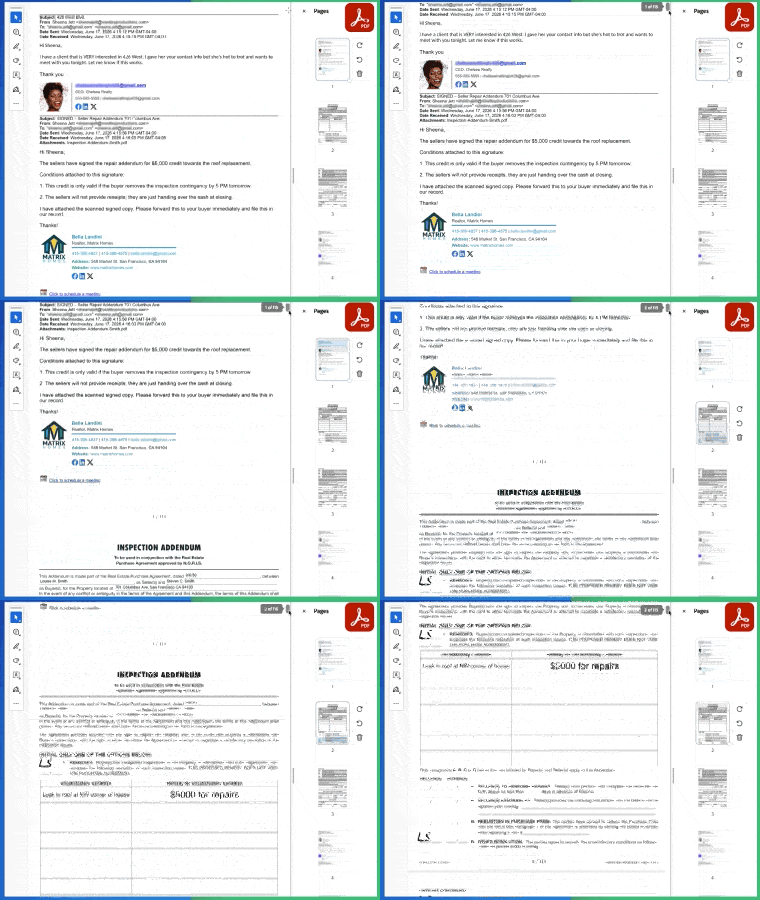
Save entire email threads as PDF
When conversations span multiple replies, you need the full context. Save Outlook Emails as PDF can capture entire email threads into a single PDF document. Every message in the conversation is included in order, making it easy to review the complete history without switching between emails.
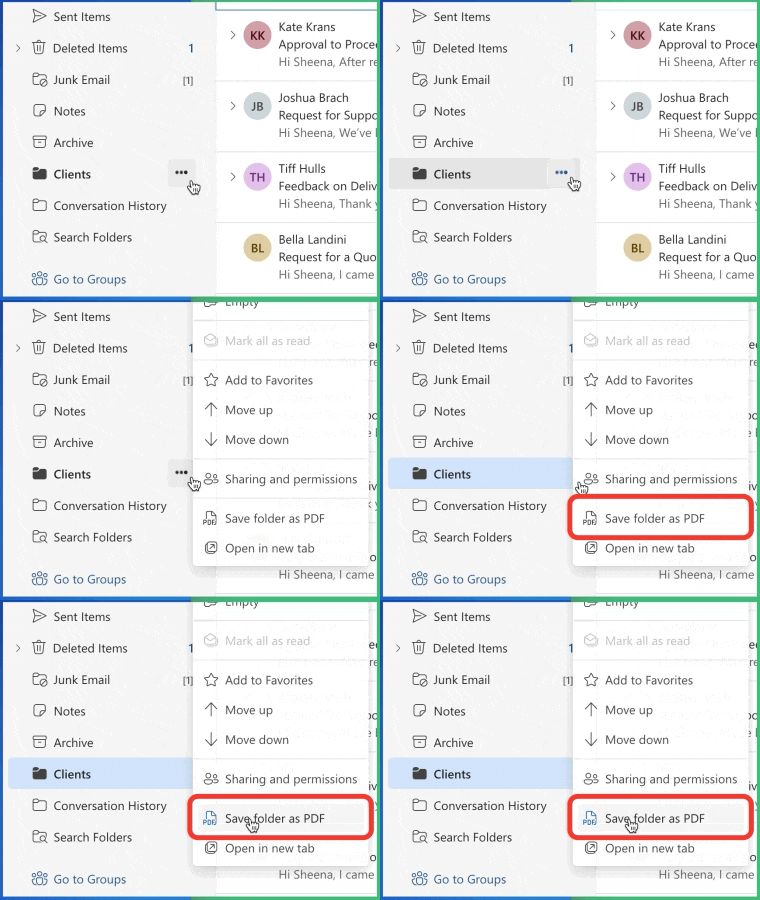
Save an entire Outlook folder as PDF
You don't have to pick emails one at a time. Point Save Outlook Emails as PDF at any folder - Inbox, Sent Items, a project folder, or a deeply nested subfolder - and the tool will export every message inside it (including subfolders) in one job. The original folder structure is preserved in the resulting ZIP, so a message that lived in Projects/ClientX/2025 ends up at exactly that path. This is the fastest way to back up an entire mailbox section for archiving, compliance, handoff, or migration.
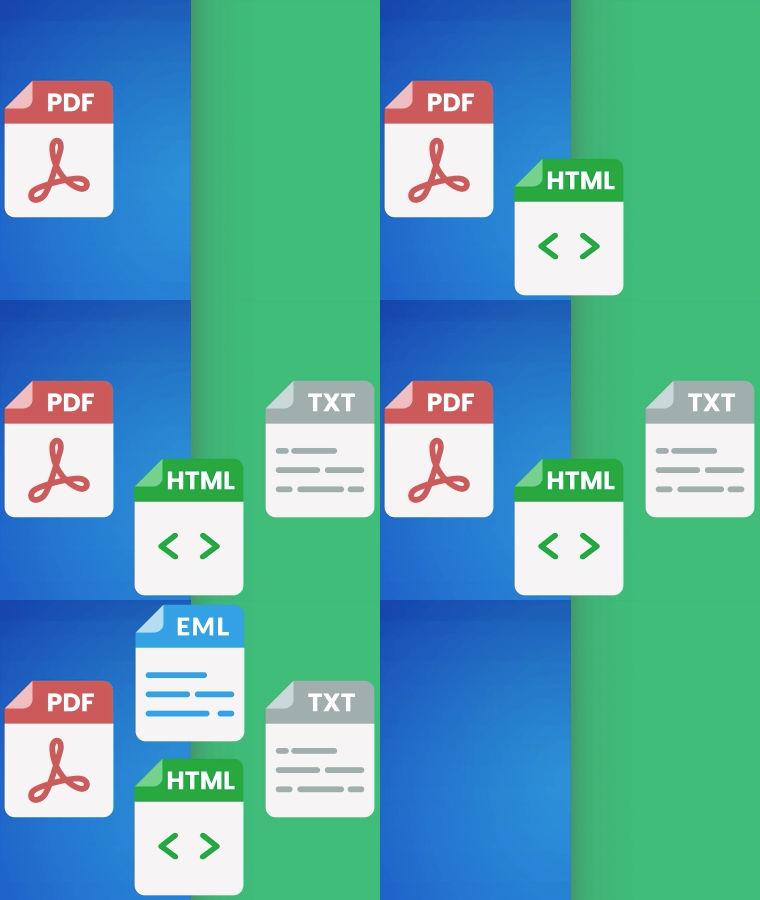
Multiple output formats: PDF, HTML, TXT, EML
Different uses call for different formats, so we let you pick. Choose PDF for the polished, professional, print-ready look most people expect. Choose HTML when you want to keep clickable links, inline images, and rich formatting that opens in any browser. Choose TXT for the lightest, most search-friendly plain-text dump - perfect for archives and bulk indexing. Choose EML when you need a true round-trip: the original message file with all its headers and attachments intact, ready to re-import into any email client. You can also pick one merged file per batch or one file per email, and (for PDF) embed every attachment directly into the document body or zip them on the side.
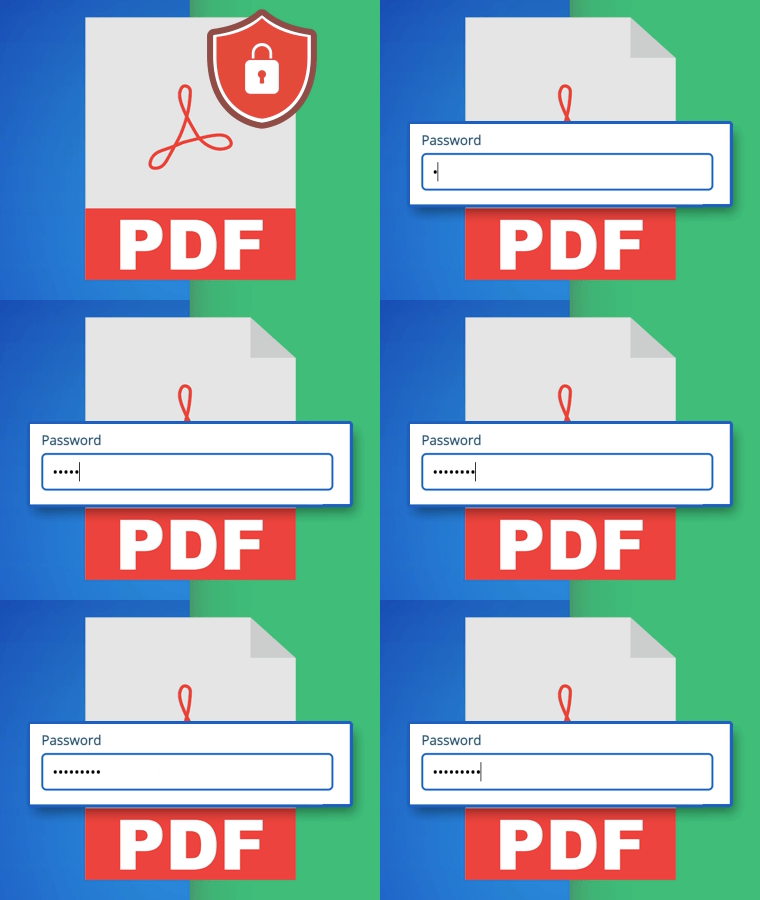
Encrypt PDFs with a password
When the emails you're exporting contain sensitive information - legal correspondence, financial records, HR communications, customer data - the resulting PDF needs the same protection. Save Outlook Emails as PDF can encrypt every PDF it produces with a password you choose: anyone who tries to open the file is prompted for the password, and Adobe-standard AES encryption keeps the contents unreadable to unauthorized eyes. This works for both single-email exports and full-folder batches, so you can hand off an archive without worrying about who picks it up downstream.
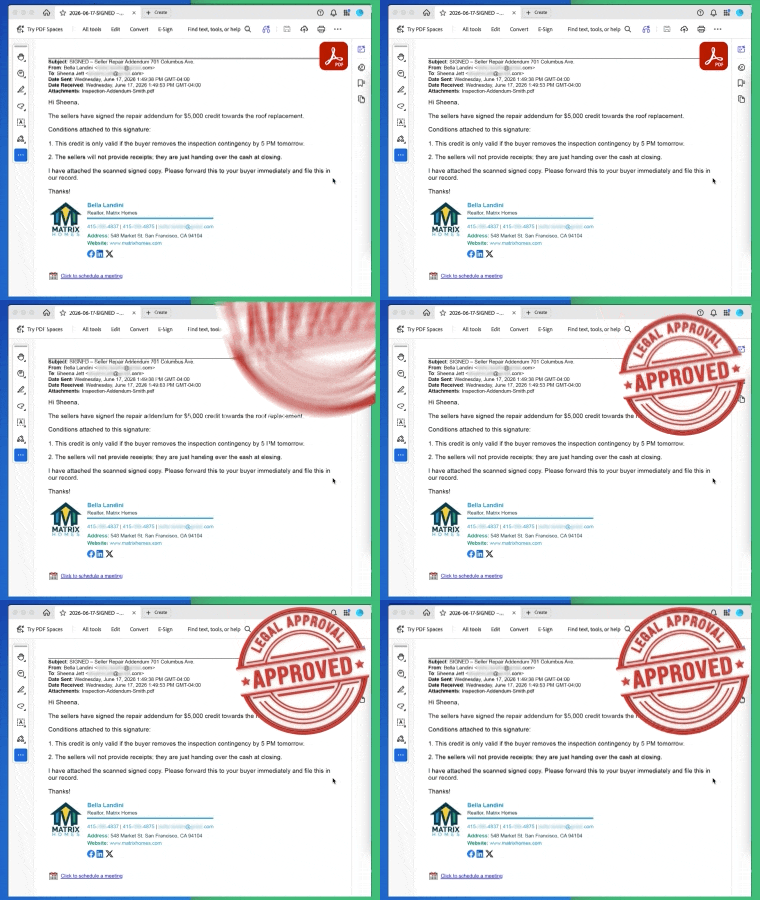
Professional quality PDFs
The PDFs created by this tool are clean, readable, and professional. Text remains selectable, images stay sharp, and email formatting is preserved exactly as it appears in Outlook. These PDFs are suitable for sharing with clients, submitting as records, printing, or archiving for long-term storage.
Cloud storage integration
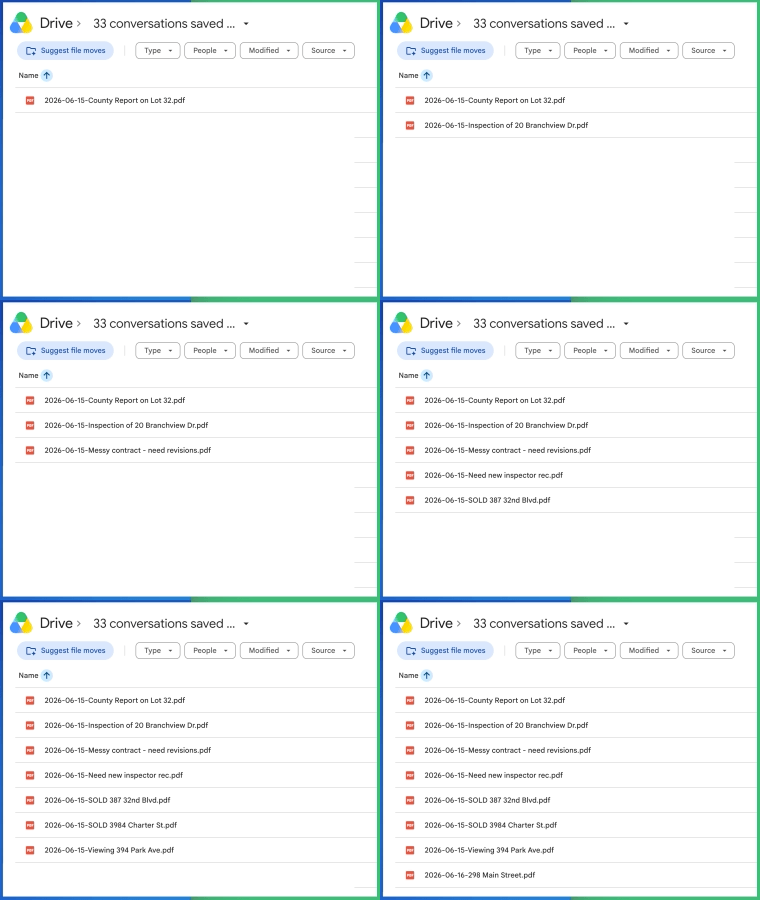
Save your email PDFs directly to Google Drive, OneDrive, Dropbox, or other cloud storage services. This keeps your documents organized, backed up, and accessible from any device. No more downloading files to your desktop and manually uploading them to the right folder.
Secure conversion
Your email content is handled securely during conversion. Save Outlook Emails as PDF ensures that sensitive information stays protected and data integrity is maintained. This makes it suitable for business correspondence, financial records, legal documents, and any emails that contain confidential information.

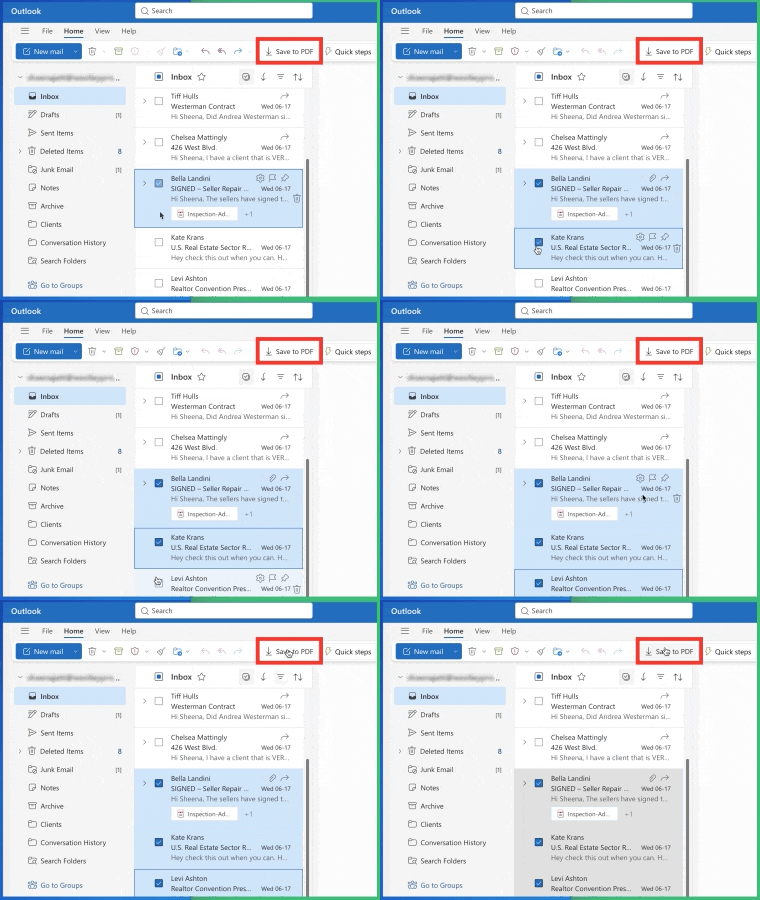
Works directly inside Outlook
Save Outlook Emails as PDF works right where you manage your emails. There is nothing new to learn and no extra tools to open. Simply open an email, click the save as PDF button, and your document is ready. It fits naturally into your existing workflow and saves time every day.
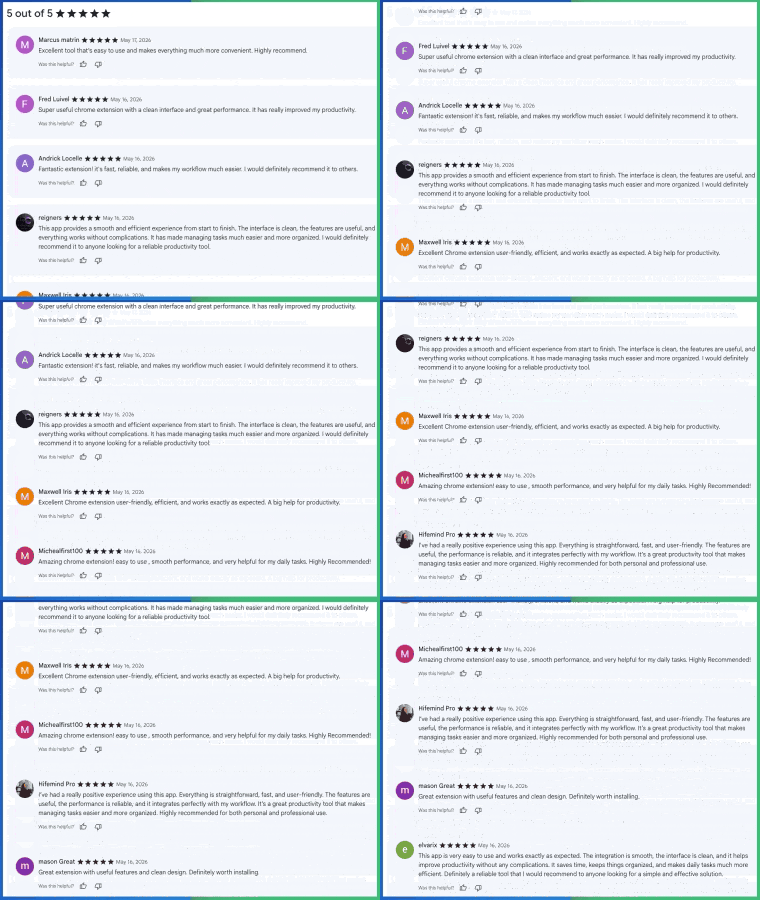
5 Star Positive Reviews
Users love how Save Outlook Emails as PDF makes archiving and sharing email content effortless. Professionals praise the clean formatting and reliable conversion that preserves every detail of their emails. From small businesses to enterprise teams, customers rely on this tool to create permanent records of important correspondence quickly and accurately.
Benefits for Teams
Save Outlook Emails as PDF is ideal for professionals who need to archive, share, or organize email correspondence. Legal teams can preserve records for compliance. Sales teams can save client communications. Administrative staff can create organized archives of important threads. The tool works directly inside Outlook, so there is no learning curve and no disruption to existing workflows. Here are just a few ways professionals use Save Outlook Emails as PDF every day:
Legal and Compliance Teams
Preserve exact copies of email correspondence for audits, disputes, and regulatory compliance.


Sales Teams
Save client proposals, agreements, and important communications as professional PDF records.
Customer Service Teams
Archive support tickets and customer conversations for reference and quality assurance.


Real Estate Agents
Save property correspondence, offers, and client communications as organized PDF files.
Small Business Owners
Create permanent records of invoices, receipts, and vendor communications sent via email.


Consultants and Agencies
Archive project communications and client approvals for documentation and billing records.
Administrative Assistants
Organize and archive executive correspondence and internal communications efficiently.


Recruiters and HR
Save candidate correspondence, offer letters, and onboarding communications as PDF records.
Finance and Accounting
Archive financial correspondence, invoices, and approval chains for audit trails and record keeping.
Benefits for Teams
Save Outlook Emails as PDF is ideal for professionals who need to archive, share, or organize email correspondence. Legal teams can preserve records for compliance. Sales teams can save client communications. Administrative staff can create organized archives of important threads. The tool works directly inside Outlook, so there is no learning curve and no disruption to existing workflows.
Here are just a few ways professionals use Save Outlook Emails as PDF every day:
Legal and Compliance Teams
Preserve exact copies of email correspondence for audits, disputes, and regulatory compliance.
Sales Teams
Save client proposals, agreements, and important communications as professional PDF records.
Customer Support Teams
Archive support tickets and customer conversations for reference and quality assurance.
Real Estate Agents
Save property correspondence, offers, and client communications as organized PDF files.
Small Business Owners
Create permanent records of invoices, receipts, and vendor communications sent via email.
Consultants and Agencies
Archive project communications and client approvals for documentation and billing records.
Administrative Assistants
Organize and archive executive correspondence and internal communications efficiently.
Recruiters and HR
Save candidate correspondence, offer letters, and onboarding communications as PDF records.
Finance and Accounting
Archive financial correspondence, invoices, and approval chains for audit trails and record keeping.
Frequently Asked Questions
How do I save an Outlook email as a PDF?
Can I save an entire email thread as one PDF?
Can I save an entire Outlook folder at once?
Projects/ClientX/2025 ends up at exactly that path.
What output formats can I export to?
Can I password-protect my exported PDFs?
Are email attachments included in the PDF?
Can I save the PDF directly to cloud storage?
Is this tool secure for business emails?
Does it work with Outlook on the web?
Testimonials
“As a legal assistant, I need to save email threads as evidence for cases. Save Outlook Emails as PDF makes it incredibly easy to create clean, complete records of entire conversations. It has become essential to my daily workflow.”
- Sarah Mitchell, Legal Assistant
“I manage client relationships and need to keep records of all important communications. This tool lets me save emails as professional PDFs with one click. My filing system has never been more organized.”
- David Chen, Account Manager
“Our compliance team requires permanent records of certain email exchanges. Save Outlook Emails as PDF gives us reliable, formatted copies that meet our documentation standards. It saves us hours of manual work each week.”
- Rebecca Torres, Compliance Officer
“I handle contracts and proposals through email every day. Being able to save these as PDFs directly from Outlook means I always have a professional copy ready to share or archive. It is a simple tool that makes a big difference.”
- James Patterson, Sales Director
“As an executive assistant, I archive hundreds of emails each month. This extension preserves everything perfectly including formatting and attachments. It has streamlined our entire email archiving process.”
- Emily Nakamura, Executive Assistant